
Screenshots
Features
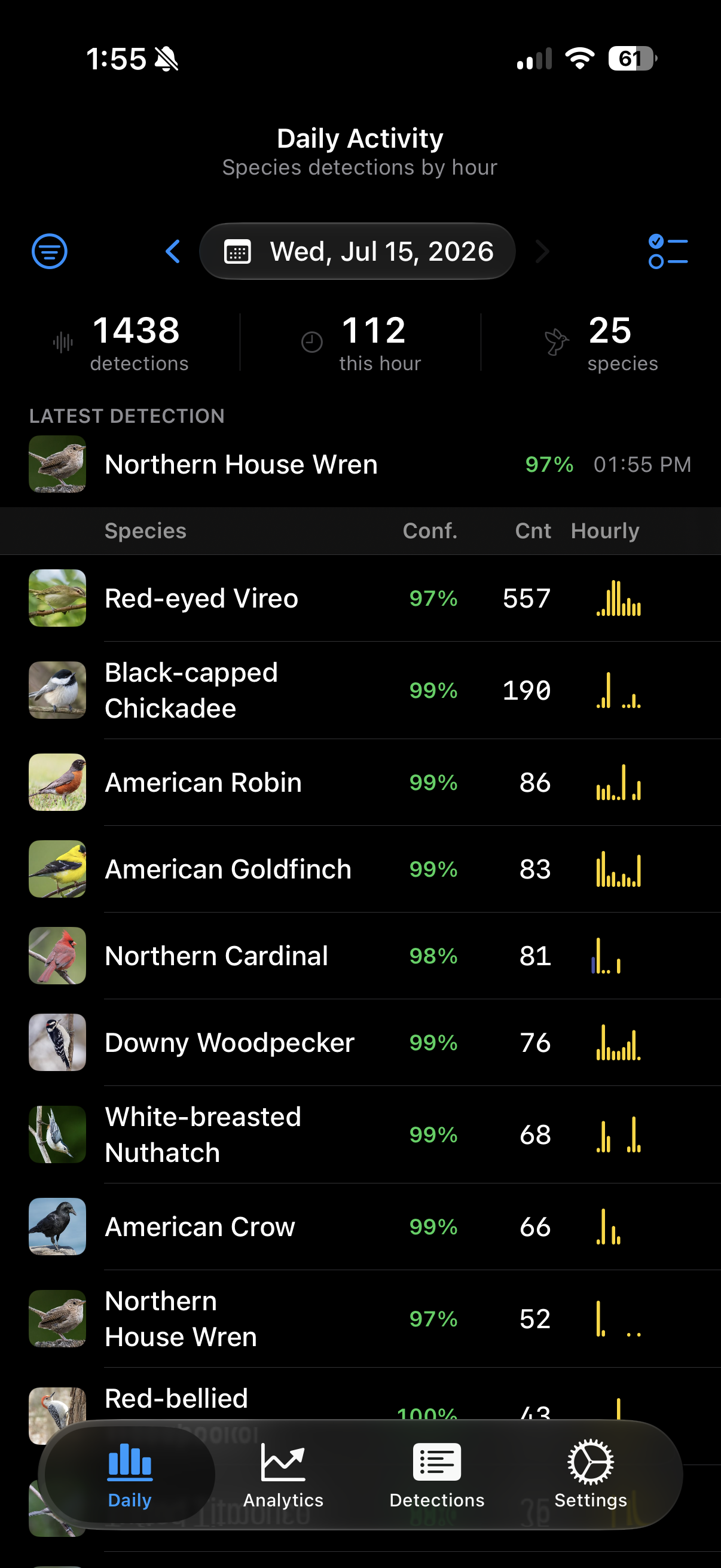
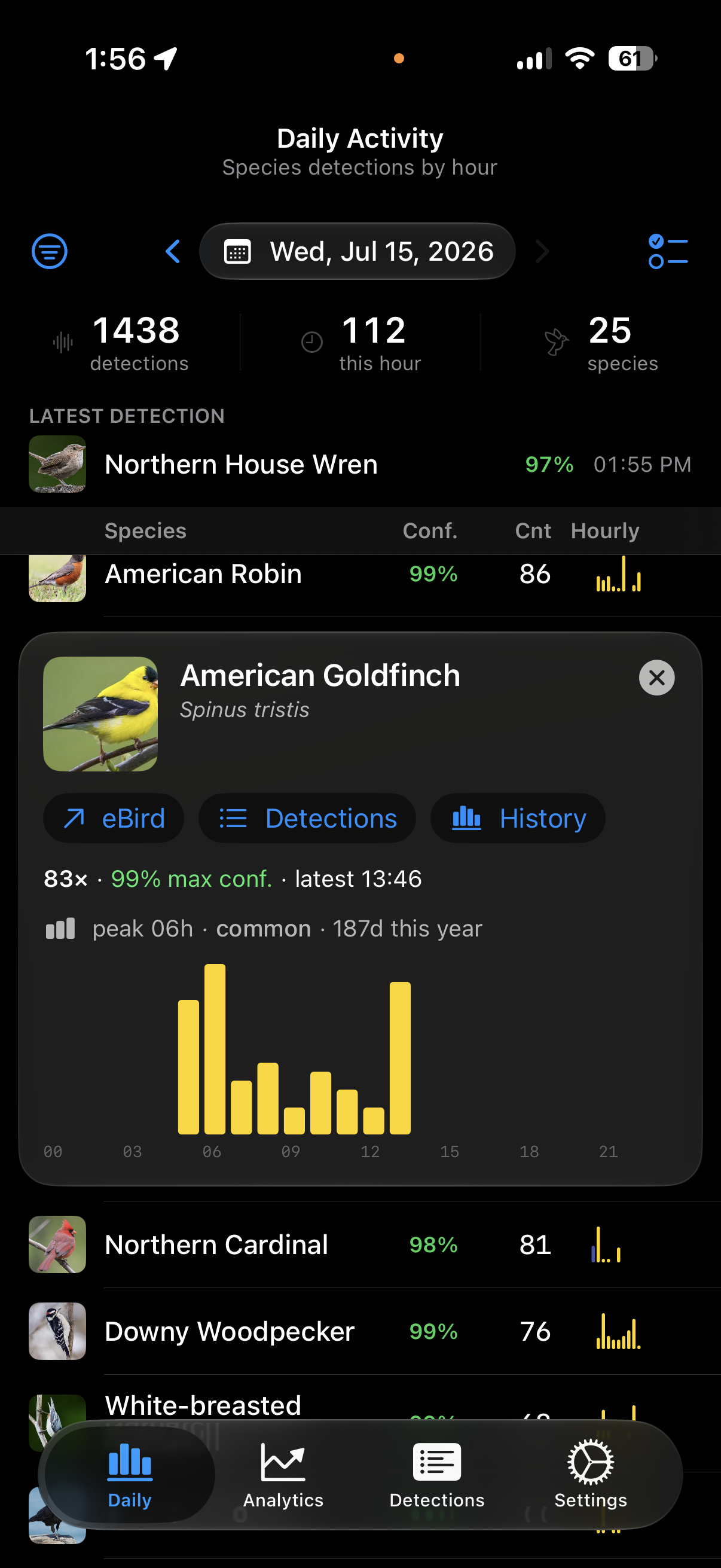
Daily Activity dashboard — Today's birds at a glance — every species heard, detection counts, peak confidence, latest visit times, and sunrise and sunset for the day.
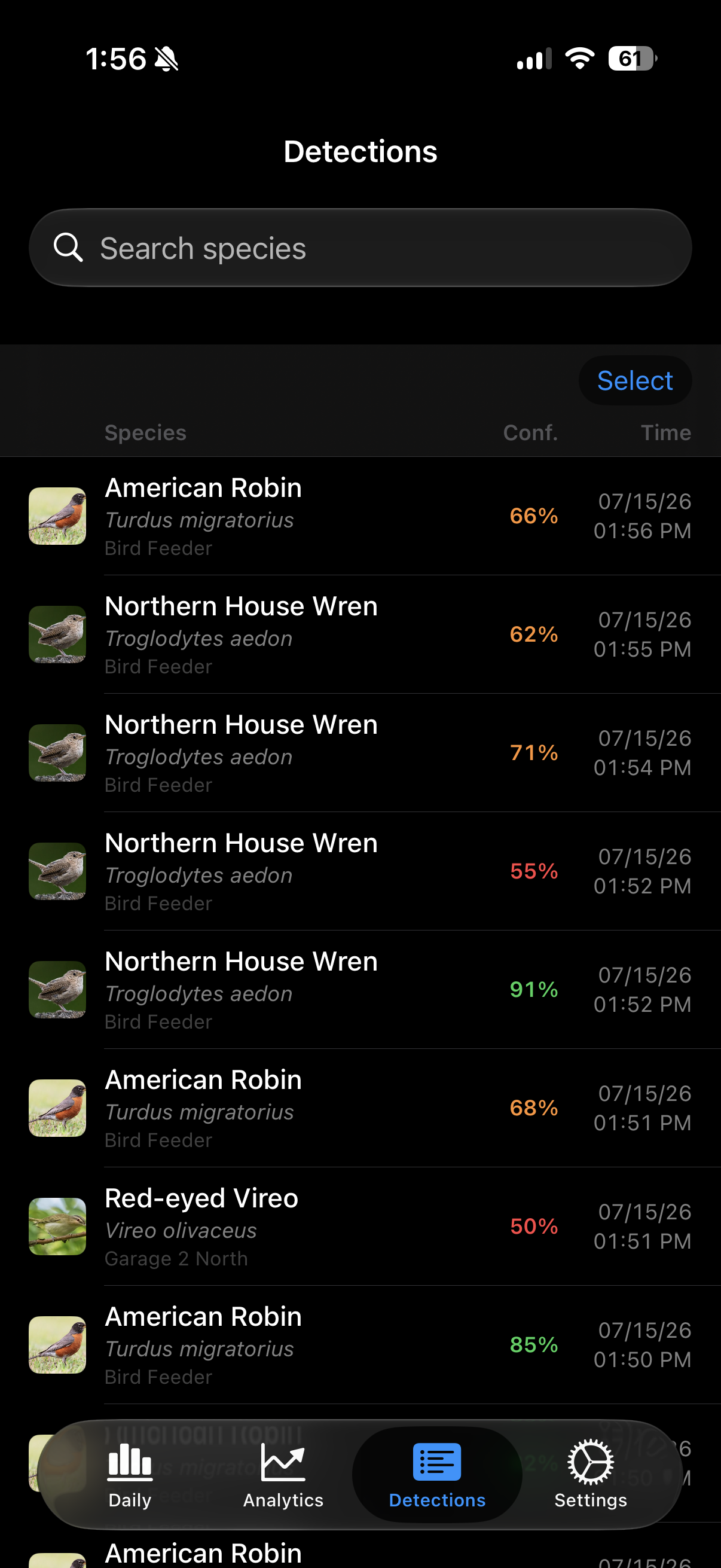
Live updates — New detections stream in the moment your station hears them, with the newest arrival highlighted as it lands.
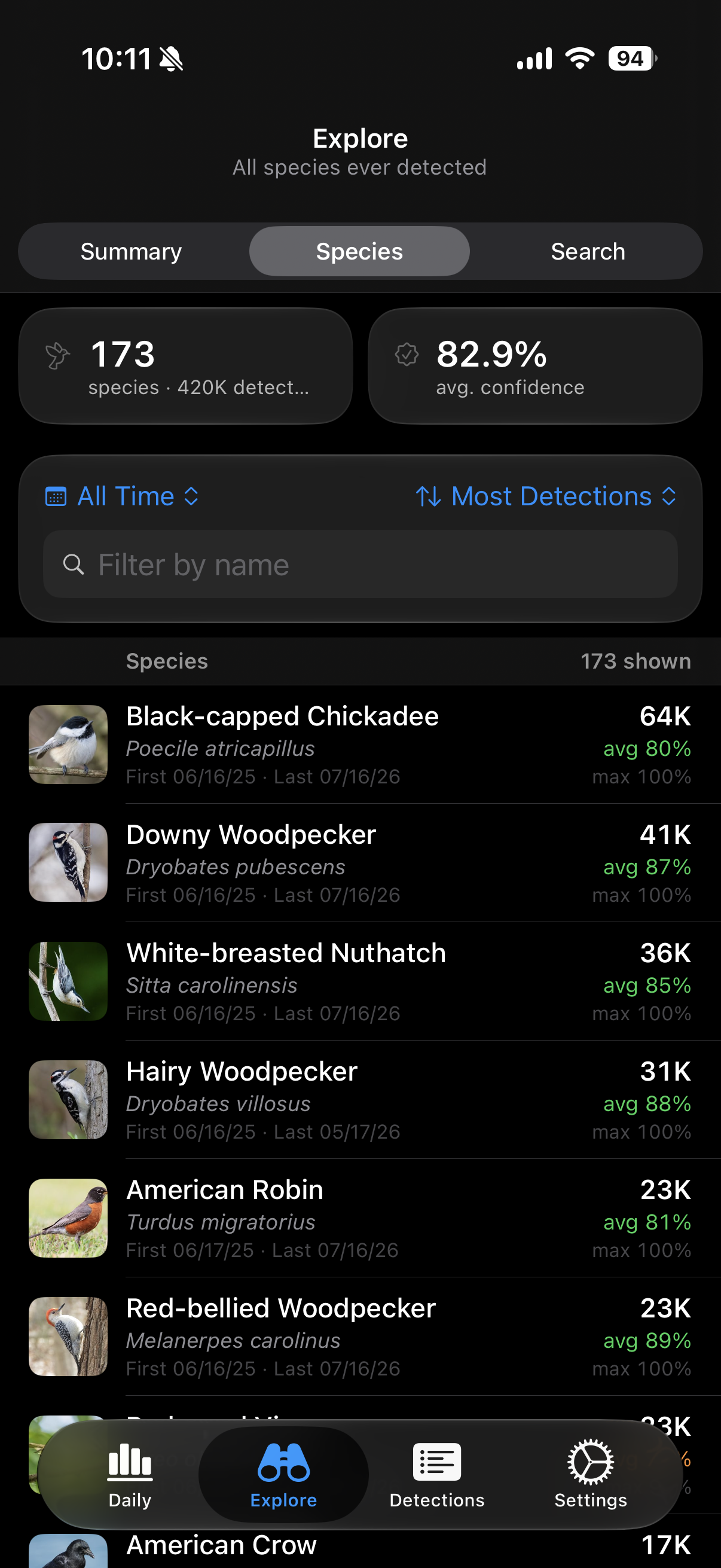
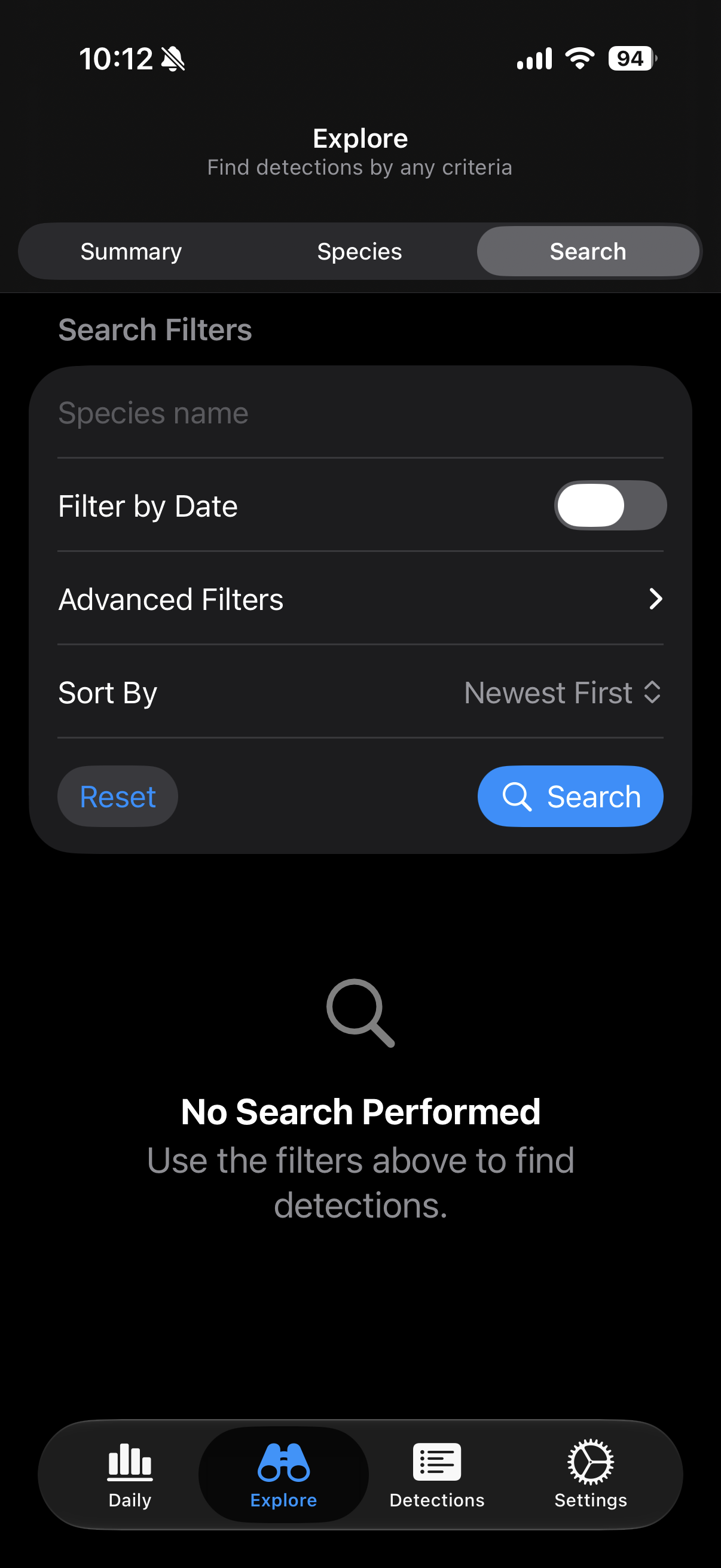
Browse & search detections — The full detection archive with species search, date filters, and one-tap drill-down from a day's summary to the individual detections behind it.
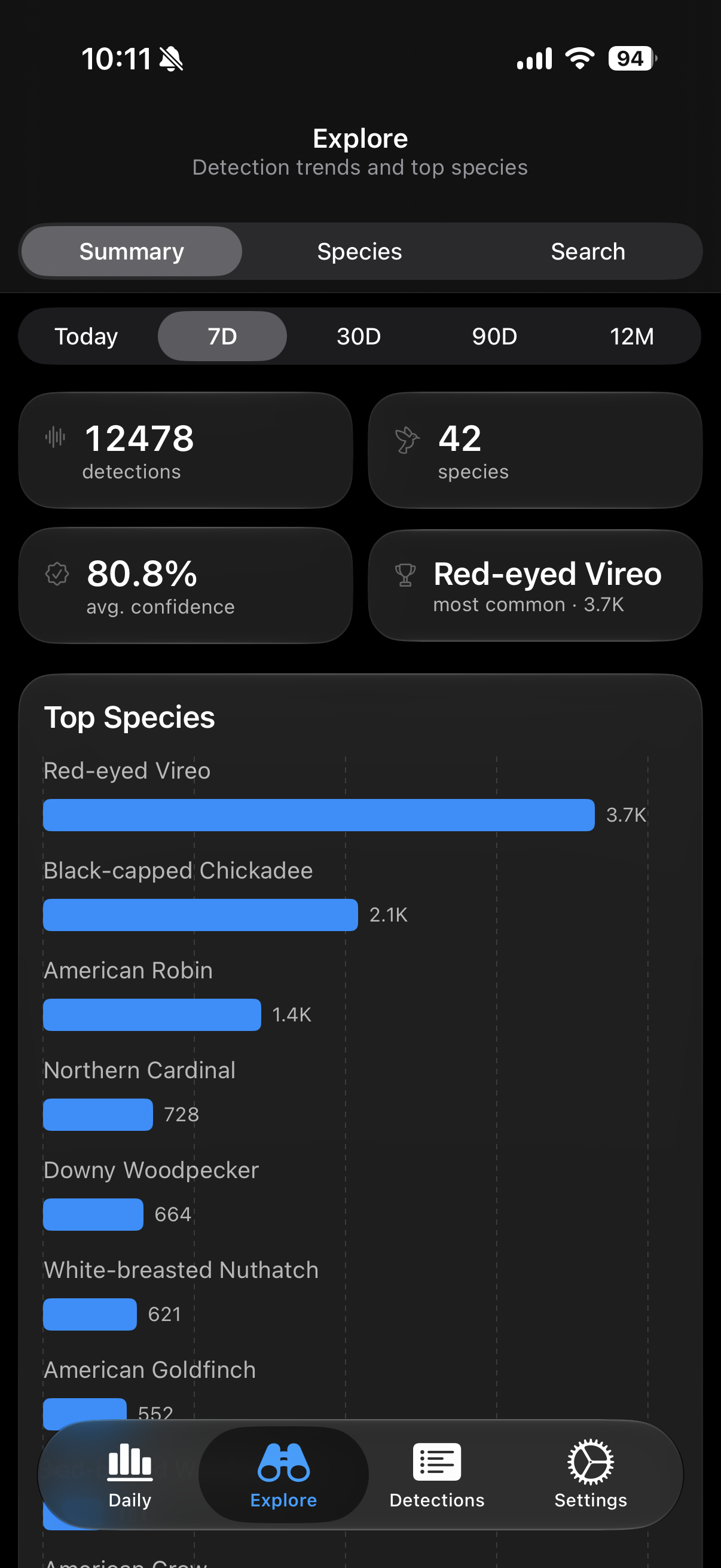
Analytics — Detection trends over time, top species, and hourly activity patterns — from today back through the last twelve months.
Spectrograms & audio — View the spectrogram of any detection and play back the recording that triggered it.
Species history — Per-species detection history charts across weeks, months, or years — see when a species first showed up and how often it returns.
Manage detections — Review, delete, and multi-select right from the list — including on password-protected servers.
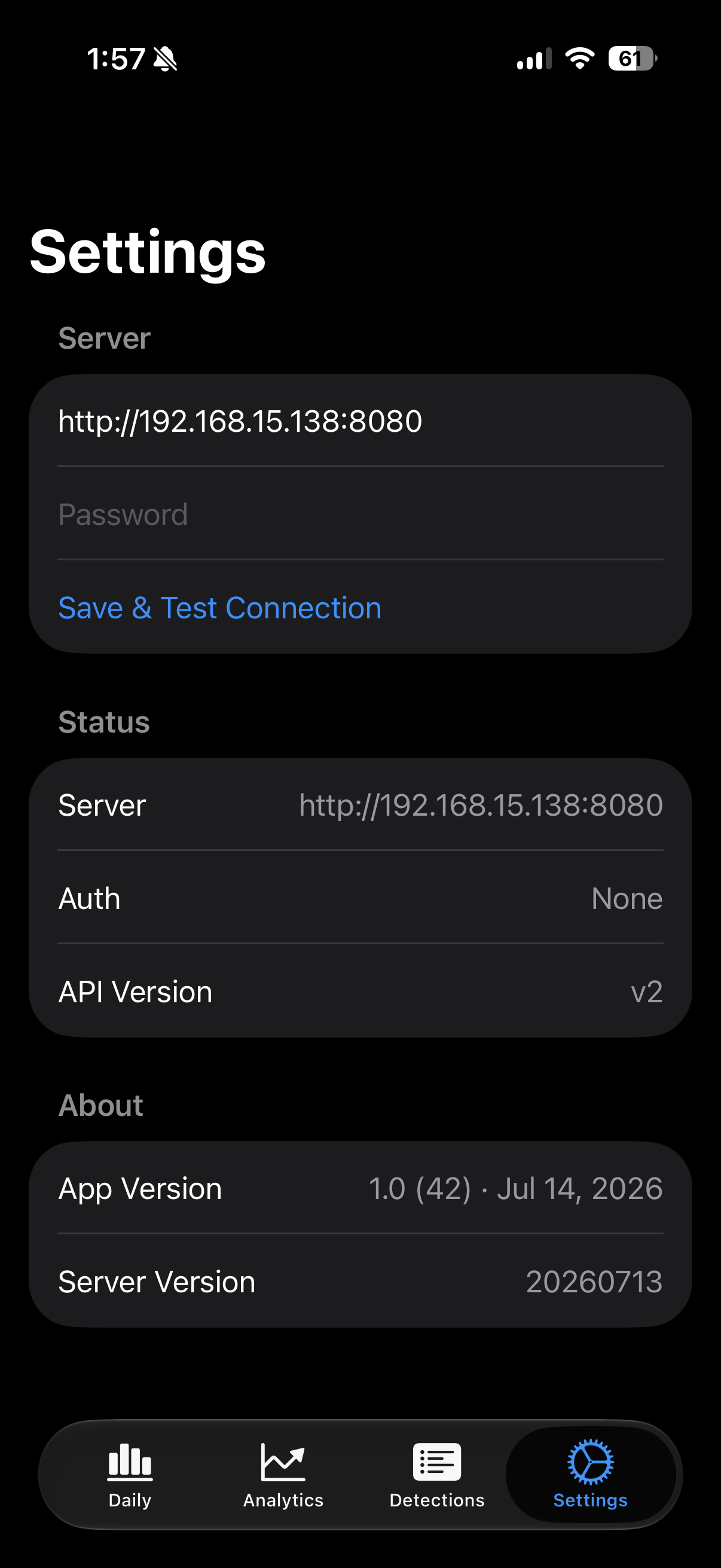
Private by design — The app talks only to your own server. No accounts, no ads, no tracking, no analytics. Read the privacy policy.
BirdNET-Go Companion is an independent app for the open-source BirdNET-Go project. It is not affiliated with the BirdNET-Go project or the Cornell Lab of Ornithology.